

🧠
Memory & persistence
Short-term state checkpointed per conversation, and long-term memory that outlives every one of them — three different lifetimes, and users notice when you only have the first.
State, context & persistence
Self-host LangGraph.js workflows and connect them to real systems — your servers, your database, your data. Apache-2.0, no licence key, no per-run bill.
Works with:LangGraph.js · LangGraph SDK · Agent Chat UI · LangGraph Studio
Fits your stack: Express · Fastify · NestJS · Next.js · Bun · Deno · React · Vue · Svelte · Angular
Turn LangGraph graphs into real-world workflows. LangGraph owns the orchestration; it doesn't own provider integrations. Skein channels connect authenticated sources such as WhatsApp, email, Slack, GitHub, or your own webhooks to the graph, then deliver its outcome reliably to the same provider or a graph-selected destination. See how the whole workflow behaves with PostHog, LangSmith, or OpenTelemetry.
That means practical processes such as a WhatsApp support request that looks up an order and replies, an emailed refund that gathers approvals over WhatsApp before notifying the customer, or a failed GitHub deployment that evaluates severity before alerting the on-call team in Slack.
You could wrap it in Express yourself — it's an afternoon, and then it's five categories of plumbing you maintain forever. None of it is what your users came for.
skein-js is that backend, and it starts in one command:
npm create skein-js@latest my-agent
cd my-agent && npm run dev
You now have an agent server on http://localhost:2024 and a control room at /console. No API key, no database, no Docker — the agent it writes for you runs offline, so the first thing you see is your own agent working rather than a credentials error.
Talk to it with the client you'd already be using. If it speaks the Agent Protocol, it works — you're only changing a URL:
import { Client } from "@langchain/langgraph-sdk";

const client = new Client({ apiUrl: "http://localhost:2024" });
const thread = await client.threads.create();

for await (const chunk of client.runs.stream(thread.thread_id, "agent", {
  input: { messages: [{ role: "human", content: "hello" }] },
  streamMode: "messages",
})) {
  console.log(chunk);
}
All four bindings are thin wrappers over the same @langchain/langgraph-sdk, so they issue identical requests and read identical frames. Agent Chat UI and LangGraph Studio work the same way, for the same reason. Details and the honest caveats: react-sdk.md.
Your first agent takes it from here to deployed — and teaches you the LangGraph you need on the way, if you're new to it.
Three moving parts. Your clients and your agent are the ones you already have.
Your clients don't know skein-js exists — they speak a standard. Your agent doesn't either. skein-js is the middle box, and it's the only part you didn't have to write.
The agent itself is plain LangGraph.js — LangChain's own framework, MIT-licensed and pulling millions of downloads a week on npm. skein-js introduces no framework of its own, and there is nothing skein-specific in your graph code. No imports of ours, no decorators, no lifecycle hooks:
import { MessagesAnnotation, StateGraph } from "@langchain/langgraph";

export const graph = new StateGraph(MessagesAnnotation)
  .addNode("agent", callModel)      // your step
  .addEdge("__start__", "agent")    // what runs next
  .compile();
That's the whole contract. The same file runs under langgraph dev, on LangGraph Platform, or on skein — which is why migrating is one word in either direction, and why migrated-langgraph is a stock LangGraph project with nothing changed but a script.
New to it? LangChain's Thinking in LangGraph is the shortest path to the mental model — nodes, shared state, and explicit routing.
So the thing you're betting on for your agent logic is LangChain's, not ours. What skein-js adds is everything around it. Why we bet on LangGraph →
Not using LangGraph? The protocol engine carries no graph runtime, so another agent runtime can serve the same API by implementing two methods — bringing its own persistence and giving up the LangChain-specific pieces. The honest limits are in building a runner.
Your frontend is TypeScript. Your API is TypeScript. Why is your agent in Python?
The cost of a Python sidecar isn't the extra runtime. It's that nothing crosses the boundary — your types stop dead, the domain logic your API already has is unreachable, and the agent's structured output, the thing your UI actually renders, becomes a shape declared twice and trusted once.
Keeping it in one language collapses the stack. The people who already ship your product can build the agent, review each other's work on it, and fix it when it matters — one toolchain, one CI, one set of types, and no small group who are the only ones able to touch it.
The longer argument, if you want to nerd out →
This ships in the box. It's the thing you'd otherwise reach for LangGraph Studio to get, except your own server hosts it — no account, no sign-in, no internet connection, no tunnel back to your laptop.
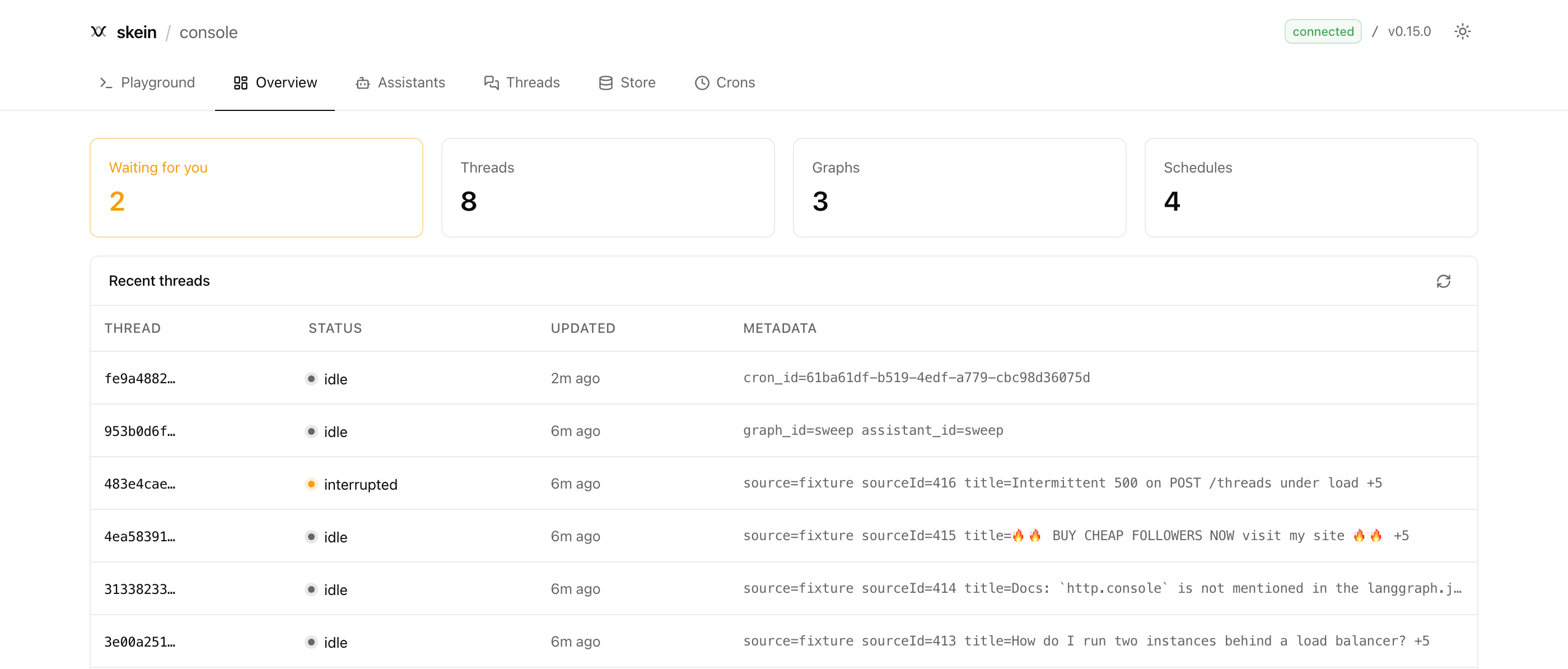
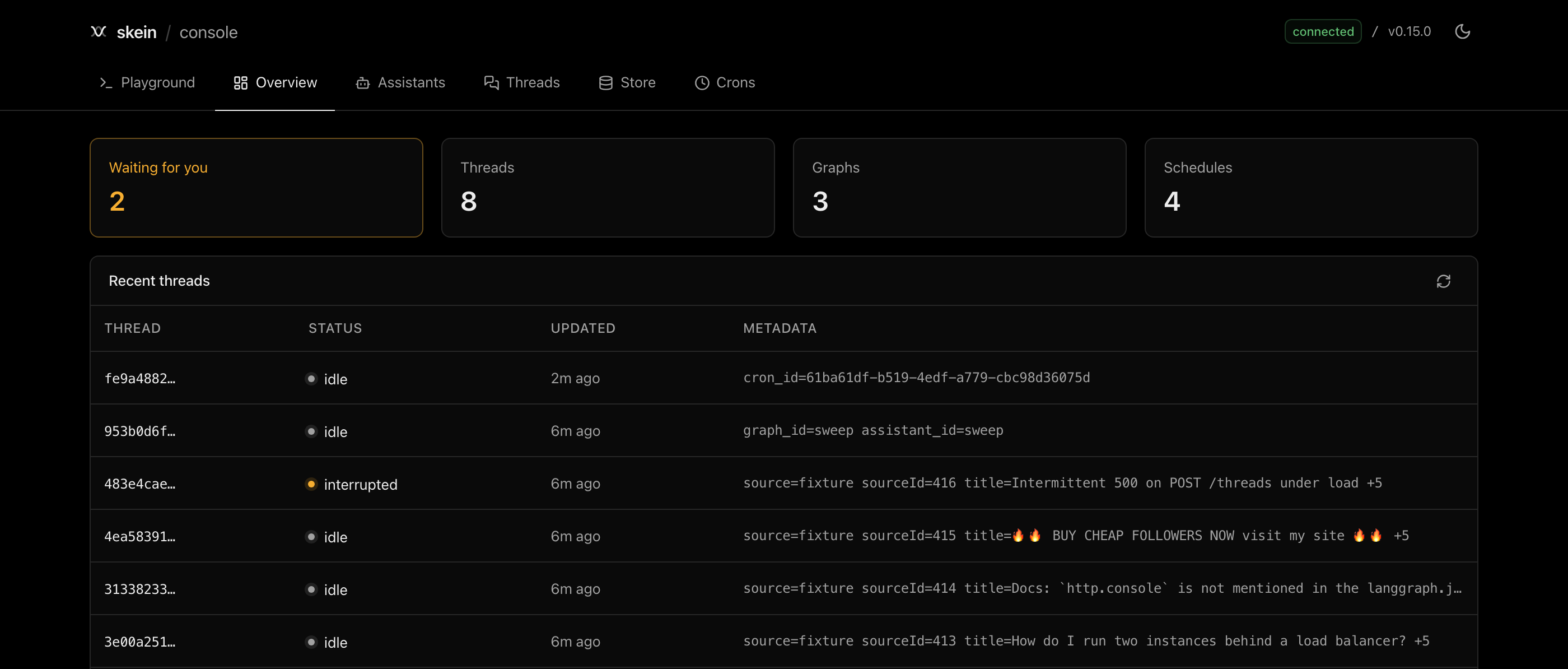
"Waiting for you" is the one that changes how you build. Any conversation your agent paused for a human shows up there — approve it, reject it, or send back whatever answer you like, and the agent carries on from exactly where it stopped. Hours later. After a redeploy. From a different machine.
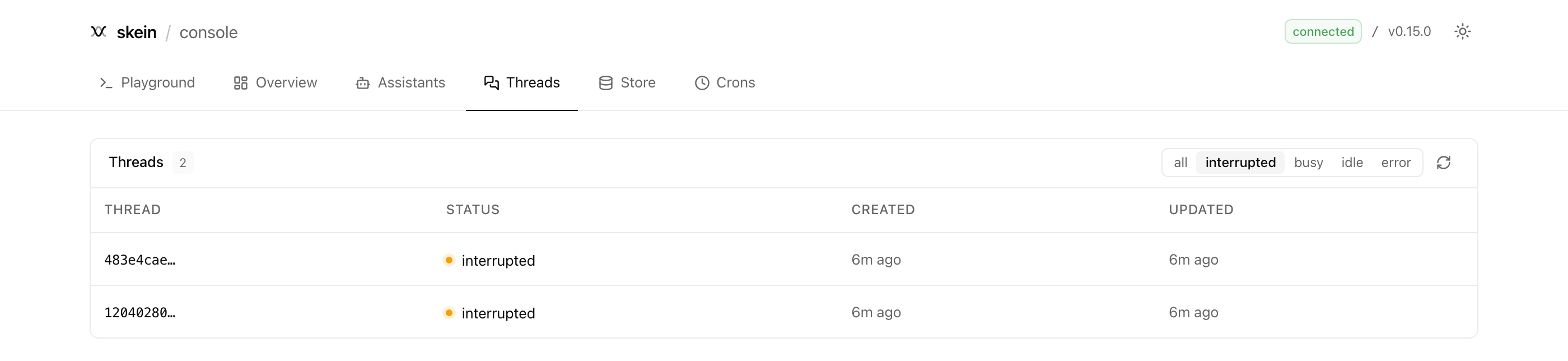
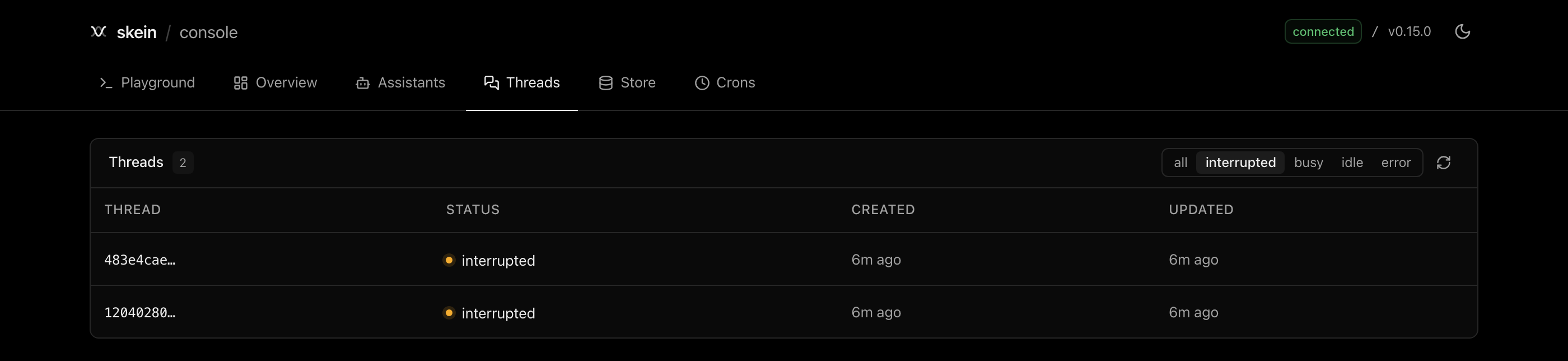
There's more behind it: a playground that draws your agent's shape and streams a run into it, live run tails you can cancel or roll back, a memory browser with semantic search, and schedule management. It's off by default in production — you opt in, because it can read and delete everything.
Four ways in. Pick yours — they all end at the same server.
One command, and you have a working agent to edit:
npm create skein-js@latest my-agent
cd my-agent && npm run dev
Pick a model provider with --provider anthropic|openai|google, or take the keyless default and add one later. Scaffolding reference →
Every one of those six blocks is load-bearing, none of them are your product, and each has a failure mode you'd meet in production rather than in review.
How everyone gets here
🔑LangGraph Platform is paid, and production self-hosting needs a commercial Enterprise licence key. skein-js is Apache-2.0. Your database, your servers, no key.
The licensing part, plainly
💻skein dev --store postgres --queue redis is the real thing, not an approximation — same checkpointer, same queue, same image you deploy. Reproduce a production bug locally, and read the source when that isn't enough.
Same stack in dev and production
↔️It's a drop-in on an unchanged config — which runs both ways. Start free here, move to a managed platform later if it's worth paying for. That's deliberate.
Why we want leaving to be easy
🧩Agents are state machines, and LangGraph is honest about it — its checkpointers are what make approvals, time travel and crash recovery possible at all. On JavaScript it's genuinely open source, which is why skein-js can be thin rather than a reimplementation.
Why we bet on LangGraph
Every one of these runs, and CI proves it.
| Example | What it shows |
|---|---|
triage-agent | Start here — schedules, background work, approvals, memory and rewind in one agent. No API key, no network needed |
chat-app | Flagship — a research assistant with thinking, web search and memory, behind a Next.js + shadcn/ui UI |
migrated-langgraph | The drop-in proof — a stock LangGraph project running under skein dev |
Eleven more in examples/, including one per adapter — standalone, and mounted inside an app that already has its own routes.
New here? Your first agent goes from an empty directory to deployed, then building blocks names every piece an agent is made of. Never written a graph? LangGraph essentials is the short version. Wondering if skein does something specific? The features page answers it in one line. Building with an AI agent? llms.txt hands it the whole set.
If this saved you a week, give it a star — it's how other TypeScript teams find it. Hit something that doesn't work? Tell us; compatibility reports are the most useful feedback we get.